
Recently, YouTube has started rolling out support for Android Auto. At first, this might sound very excitin many people have been waiting for YouTube to work directly in their car systems. However, before you get too excited, it’s important to understand that this new feature is quite limited in what it can actually do.
What’s New?
Android Auto has always allowed audio from your phone to play through your car speakers. For example, if you were already listening to music or a podcast on your phone, it would continue playing when connected to your car. But not every app offered proper controls through Android Auto’s interface.
Over the past few months, more apps have started adding support for Android Auto’s media controls. Now, YouTube has joined that list. This means that YouTube content can now be controlled at least partially through your car’s dashboard.
This update has been noticed across different devices, accounts, and versions of the app. It appears to be widely available now, both in beta and stable versions. Many users on Reddit have also reported seeing the same feature, confirming that this is not just a limited test.
What You Can Actually Do
Now comes the important part: what exactly can you do with YouTube on Android Auto?
First of all, this is not a full YouTube app inside Android Auto. You cannot browse videos, search for content, or watch anything on your car screen. In fact, video playback is completely unavailable—and that’s likely intentional for safety reasons.
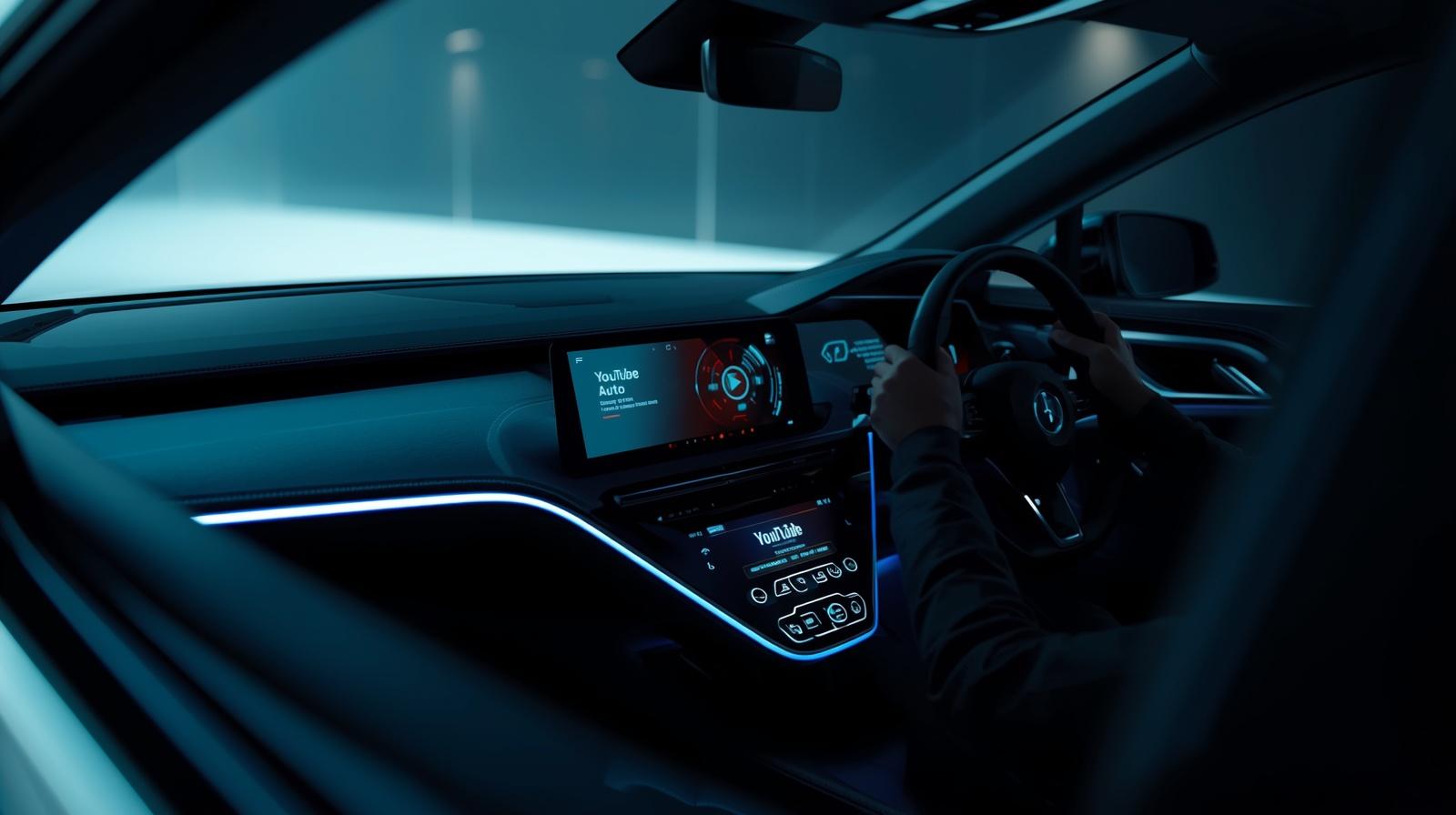
Instead, YouTube appears only as a simple media option inside the dashboard widget. The controls are very basic:
- You can play or pause the video.
- You can skip to the next video.
- You can use steering wheel controls to do the same actions.
That’s it. There are no advanced controls like rewinding, fast-forwarding within a video, or viewing playlists in detail. Also, skipping means jumping to the next video entirely—not moving forward within the same video.
Why This Still Matters
Even though the feature is limited, it can still be useful in certain situations.
Many people use YouTube not just for watching videos, but also for listening. There are countless podcasts, interviews, lectures, music tracks, and long-form discussions available on the platform. With this update, you can now listen to such content more conveniently while driving.
For example, if you were already playing a podcast or a long video on YouTube, you can now control it without touching your phone. This improves safety and makes the experience smoother.
So while it’s not the full YouTube experience, it still adds value especially for users who treat YouTube as an audio platform.
What You Still Can’t Do
It’s equally important to understand what’s missing:
- No video playback on the car screen
- No browsing or searching videos
- No full media interface
- No detailed playback controls
This means the dream of having a complete YouTube app on Android Auto is still not a reality.
However, there’s a good reason for these limitations. Watching videos while driving is dangerous, and companies like Google prioritize safety. So, restricting YouTube to audio-only controls makes sense.
A Step Toward the Future?
Even though this update is small, it could be a sign of bigger things to come. Google has not completely ruled out the possibility of expanding YouTube’s role in Android Auto.
In the future, we might see more advanced features—possibly when the car is parked. Some users are hoping for:
- A full YouTube app when the vehicle is stationary
- Better playlist controls
- Voice search integration
For now, though, nothing like that has been officially announced.
Important Requirement: YouTube Premium
There is one important condition to use this feature you need a subscription to YouTube Premium.
Without Premium, YouTube does not allow background playback. That means the audio will stop when the app is not actively open, which makes it unusable in Android Auto.
The good news is that there is now a cheaper option available. As of early 2026, Google introduced a more affordable plan called Premium Lite, which includes background playback. This plan costs around $7.99 per month, making it more accessible for users who mainly want audio features.
Real-World Use Case
Let’s say you’re driving to work and listening to a long discussion video or a podcast on YouTube. With this update:
- You can start the video on your phone
- Connect to Android Auto
- Use your car’s controls to pause or skip
You don’t need to touch your phone again, which makes the experience safer and more convenient.
However, if you want to change the video manually or search for something new, you’ll still need to use your phone.
Final Thoughts
This update is a small but meaningful step forward. It doesn’t deliver the full YouTube experience that many users were hoping for, but it does improve usability in a practical way.
By adding basic media controls to Android Auto, YouTube becomes more useful for audio content while driving. At the same time, the limitations ensure that safety is not compromised.
In simple terms, this is not a major upgrade but it is a helpful one.
As technology continues to improve, we may see more advanced features in the future. For now, though, this update is best seen as a basic but useful addition rather than a complete solution.